

01
E-commerce support
Messages from many devices in one place, auto-replies, hand-off when needed.
- Buyer messages from every device land in one place
- Keyword hits trigger an instant reply
- Anything it cannot handle goes to a human
Describe a task. Stay in control.
Windows 10/11 · Connect a supported Android device
Explore AI-guided tasks, mirroring, recordings, scheduling and remote workflows from a Windows PC.
Describe what you want to do, review the on-screen steps, and verify the result. No scripting needed for supported tasks.
Control connected Android phones individually or in groups, subject to device and connection compatibility.
Do it by hand once and it remembers every step, compressed into a replayable flow. If a step fails, inspect the screen and update the workflow before retrying.
Set a schedule while the Windows PC and required device connections remain available. Review execution results afterward.
Review local processing, account features, and any data flows used by connected services before enabling them.
Sign-in, plan, cross-device sync
Stays on this machine
The Feishu bot is wired to AnsClaw on your PC. Send one message while you are out; it does the work and posts the result back to Feishu.
Follow the setup instructions to connect your Android device.
Use a cable or go wireless. No root needed, and the installer prepares everything else.
Type it the way you would say it out loud.
Follow each step and check the outcome before moving on.
Messages from many devices in one place, auto-replies, hand-off when needed.
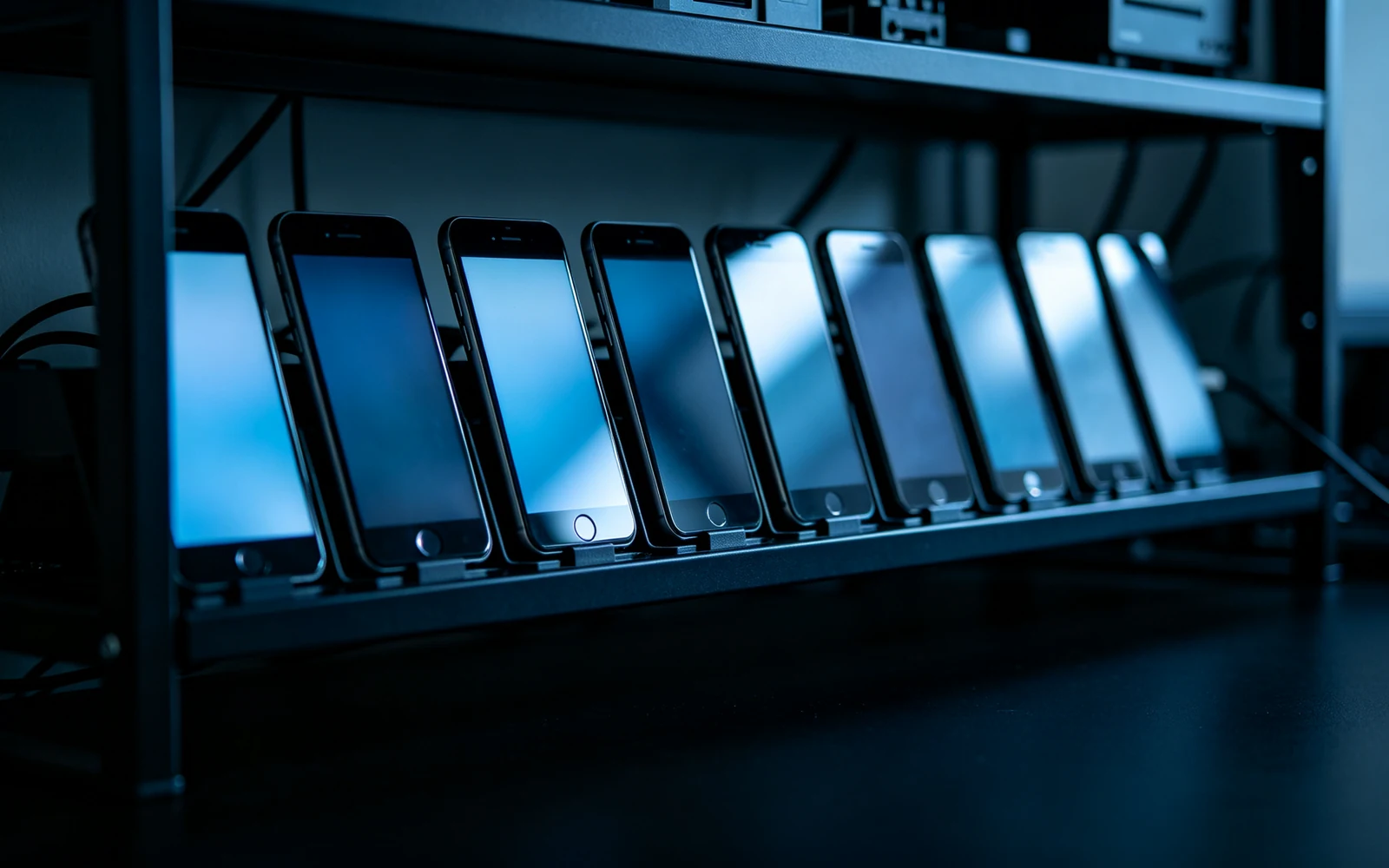
Device testing, repeatable workflows, and clearer failure investigation.
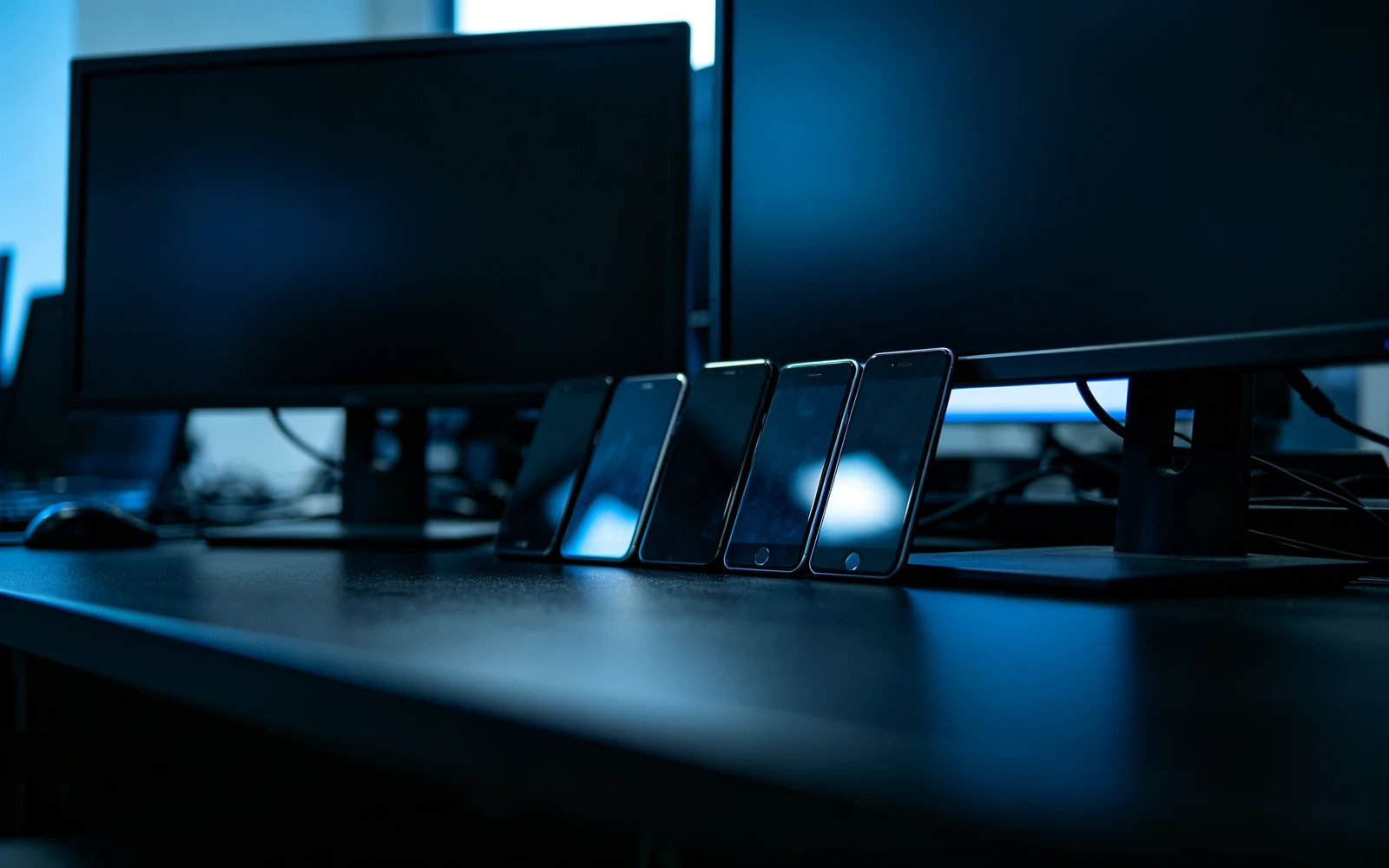
Batch the repetitive work, publish on schedule, results logged automatically.
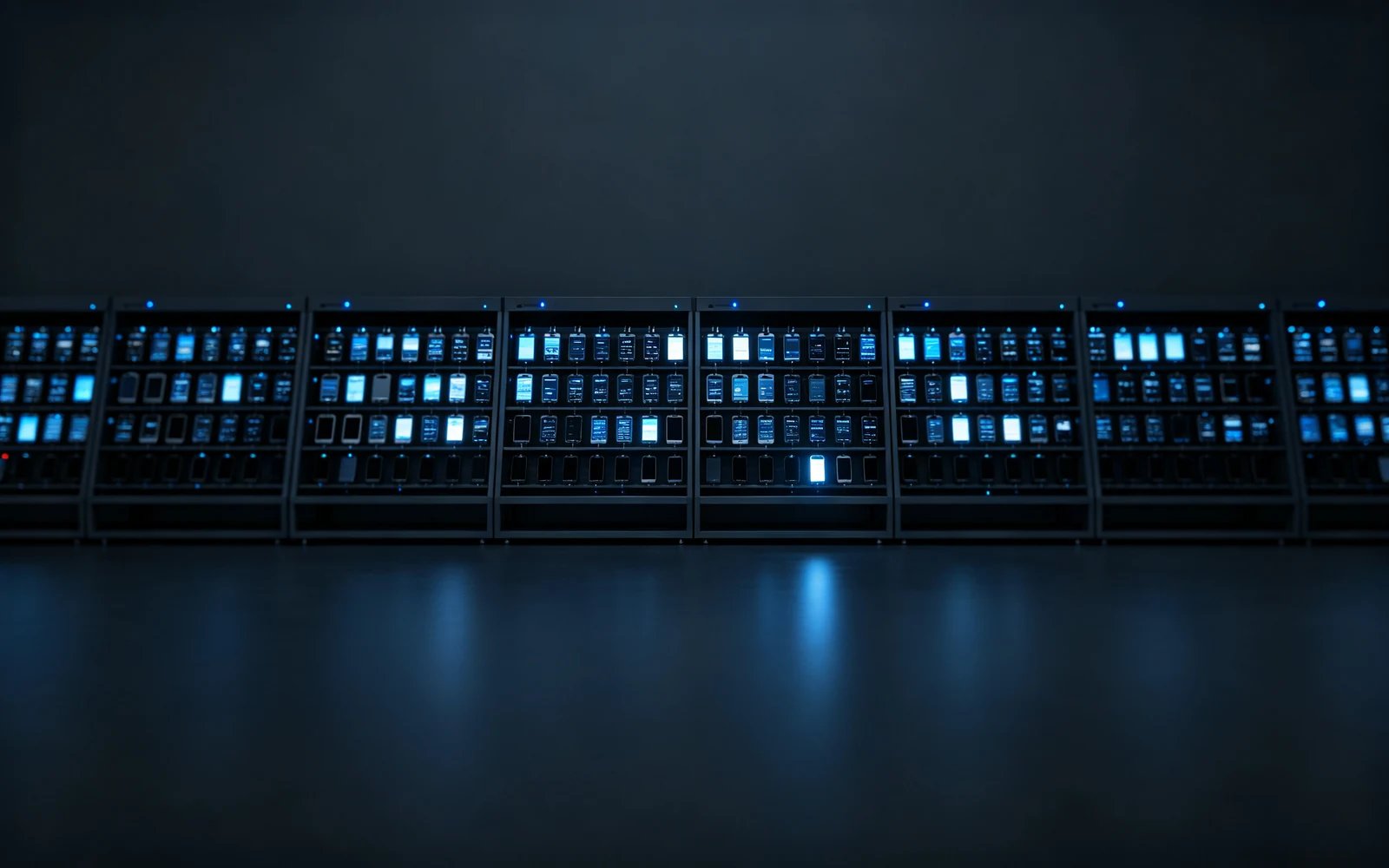
Manage a device cluster unattended, with automatic archiving when runs finish.